
Updates

Follow new updates and improvements to Booking Experts.

BEX PMS — Recap of October 2026
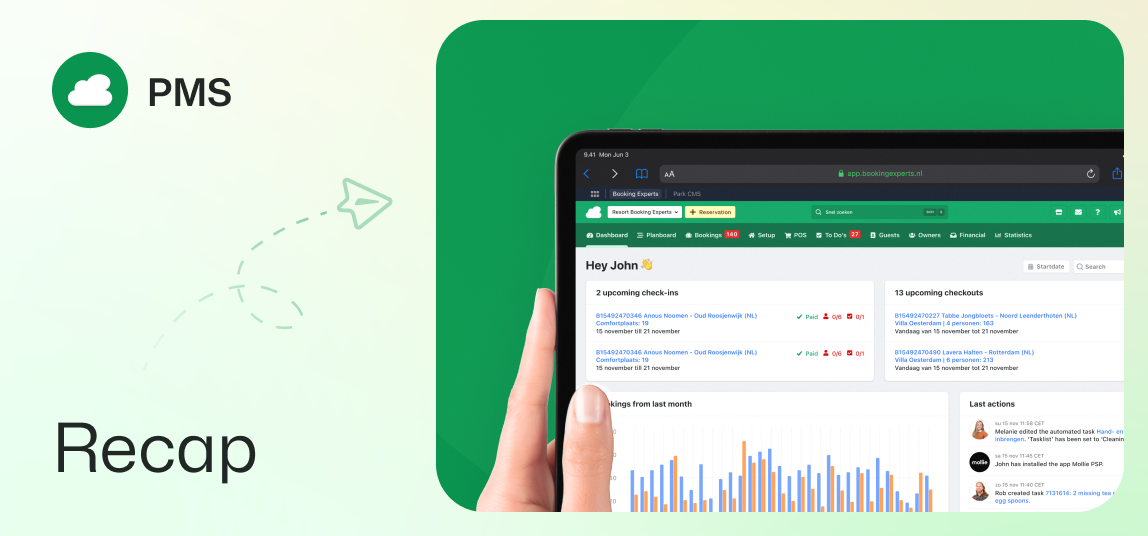
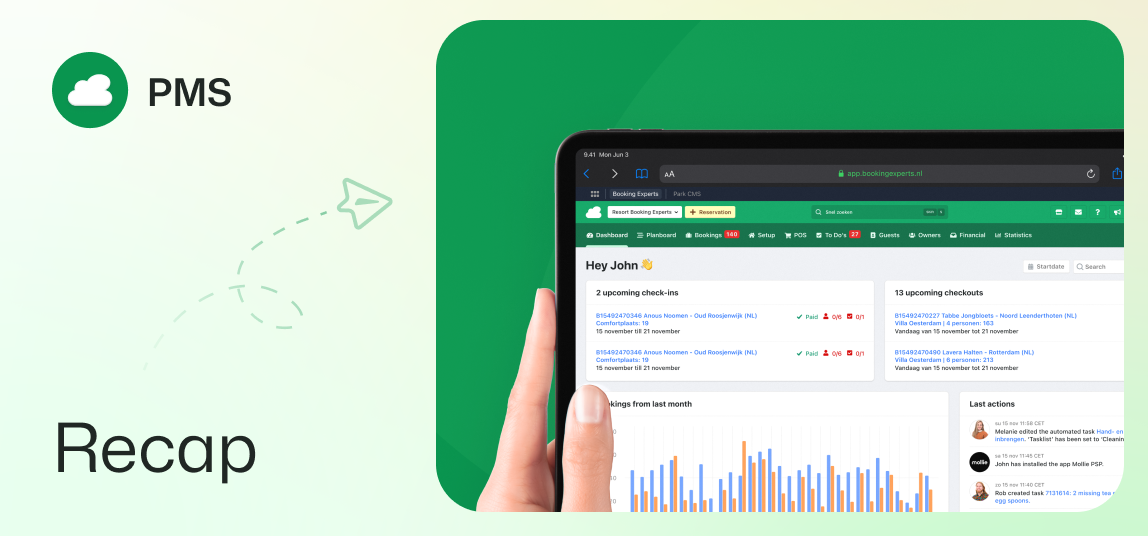
Guest portal updates, browser autofill, owner night limits, bulk invoicing, and more.

Type amenities and channel booker details in the guest portal

Guests now see the amenities of their booked type directly in their reservation overview. The guest portal also asks bookers who booked through external channels for their contact details. A contact is then created, and a secure verification link is sent that gives the booker access to the reservation.

Autofill support for checkout and guest list forms

Guests can now quickly fill in their personal details with their browser’s autofill, both while booking and in the guest portal. Browsers automatically recognise saved names, addresses and phone numbers. This makes booking and filling in the guest list faster.

Internal names for periodic costs

You can now add optional internal names to periodic costs for easier filtering and reporting. These internal names stay separate from public invoice descriptions.

Night limits for owners’ own stays

You can set a maximum number of nights that an owner can book within a specific period. This limit applies to all bookings made through the back office and the owner portal, regardless of discount or pool points.

Direct capacity validation in guest group forms

When you edit the guest group, the type’s capacity is shown and the number of guests is checked straight away. This means an empty guest group can no longer be saved when creating a reservation. Users with the right permissions can still exceed the maximum if needed.

Add documents directly to confirmation emails

You can add documents directly to the booking confirmation templates. The system automatically attaches these files to all outgoing confirmation emails.

Bulk invoicing for bookings with uninvoiced changes

Users can select multiple bookings with uninvoiced changes and create invoices for these reservations in bulk. Use the filters to quickly find the right reservations by channel, debtor and label.

Interactive amenity badges in the amenity editors

Selected amenities are now shown as interactive badges above the tabs in the amenity editors. Click a badge to open its amenity group, or click the cross to unlink the amenity.

Danish language support for the interface

Users can now switch their back office language preferences to Danish. All back office menus, settings and tables are shown in Danish.
BEX App Store — Recap of October 2026

Five new apps launched for insurance, utility meters, gate access, reviews, and accounting.

Campez Couvert integration for French campsites

French recreation businesses can now offer specialized travel insurance covering cancellation, interruption, deposits, and roadside assistance. Your campers’ insurance sign-ups reach Campez Couvert automatically. No re-entering data, and no paperwork.
View Campez Couvert in the App Store

HIOT-Connect meter readings and switching

This integration enables automatic electricity and water meter readings alongside per-pitch switching without extra on-site infrastructure. Usage data is retrieved directly at check-in and check-out to invoice actual guest consumption accurately. Connections turn on and off automatically for each reservation using robust hardware.
View HIOT-Connect (Edelboxx) in the App Store

Gatecloud automated barrier access

Gatecloud connects with Booking Experts to match reservation license plates with barrier access, granting entrance automatically for the exact stay dates. Including the option for an automatic check-in. Gatecloud bridge keeps the system working even when the internet drops, and works with existing barriers and license plate cameras.
View Gatecloud in the App Store

iiQ-Check automated review management

With iiQ-Check, you can automate guest surveys and streamline review management. Thanks to the integration with Booking Experts, you can use booking and guest data for automated guest communication and targeted feedback surveys. iiQ-Check is available in Spanish, Danish, German, English, and French.
View IIQ-Check in the App Store

Abacus Connector for Swiss accounting

Swiss businesses can now automate their accounting workflows with this Abacus connector app. Booking Experts exports reservation data and converts it into Abacus format with a single click. This direct export saves time and reduces errors in your accounting workflow. Customizable account mappings and flexible date ranges adapt the system to your financial needs. You can test this integration today with a 60-day free trial.
View Abacus Connector in the App Store

BEX PMS — Recap of September 2026

Enhanced guest portal, floor plans, Nora in Spanish, searching by invoice number, and more.

Guest portal updates for an improved guest journey

Guests now enjoy an improved reservation overview in the guest portal. The page displays full photo galleries for booked types instead of single static images. Widgets have a modernized card layout with clearer status badges.

The portal also separates guest and pet counts with distinct icons and hover details. Clicking or hovering over the booking number lets users quickly copy their reference ID. Guests can view their previously purchased extras right below the total price, to easily add them again if desired.

Bulk updating energy labels

Energy labels across multiple objects can now be updated all at once. The object overview has new bulk actions to assign energy labels quickly. Filter options also help you isolate objects with or without these labels.

Clearer cluster indications across reservations

Reservation screens now show whether a cluster or regular object has been booked. Grouped units display clear cluster labels instead of generic object descriptions. This updated labeling appears in availability searches, reservation previews, and reservation show pages.

Floor plan functionality for all types

Floor plans are now a standard feature for all types. Layouts can be configured directly, without having to activate a module. Set up floor plans easily by navigating to the floor plan tab of the type.

Nora support chat in Spanish

The Nora support chat is now available in Spanish. Users working in the Spanish interface can access instant assistance directly on their screen.

Improved invoice search in invoice items overview

In the invoice items overview, you can now search by invoice number to get matching results. This allows users to find specific transactions faster, while still using the main search bar.

Preference cost application shown in cost detail pages

The cost detail page of a preference cost now displays its preference configurations directly. A dedicated row shows applicability rules without opening edit forms. Use it to quickly see if costs apply to all objects or selected amenities.

Earlier updates