BEX PMS — Recap of March 2026
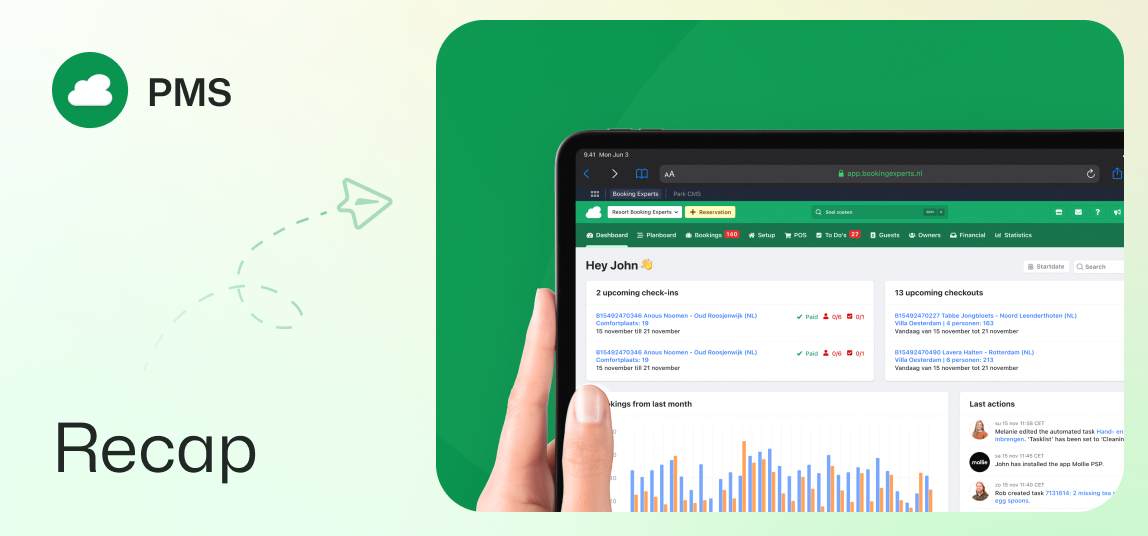
VAT settings, group bookings, segments, portal updates, and more efficient todo management.
Financials & Accounting
Custom VAT calculation dates
A specific VAT calculation date can be selected for reservation invoices to ensure total compliance with tax shifts, such as upcoming VAT increases. A new setting allows you to choose between the guest's departure date or the booking confirmation date as the applied calculation date.
Editing standard ledger accounts
Users with advanced financial roles now have the flexibility to edit the names of standard ledger accounts. By navigating to the Ledger accounts in the PMS, you can update these names to better align with your internal bookkeeping requirements.
Improved timestamp on POS receipts
Point of Sale (POS) receipts and their corresponding PDF versions now display the full date and time of a payment. This addition of a complete timestamp provides better transparency for both back office and guests regarding the exact moment a transaction occurred.
Bookings & Reservations
Creating large group bookings
The PMS now has a dedicated multi-accommodation search feature designed to create group bookings for large groups. By starting a group booking from the main menu, you can manage multiple type availabilities and reservation previews within a streamlined interface, making it significantly faster to process complex group bookings.
Enhanced birthday indicators
A new birthday date filter has been added to the reservations index, allowing you to quickly identify guests celebrating a birthday on a specific day. To assist with personalized guest experiences, the birthday icon tooltip now displays the exact birth date of the guest.
Automated notifications about reservations in option
Stay informed about reservations in option with new reception messages. Automated updates will be sent whenever an option is created, confirmed, canceled by a guest, or reaches its expiration date.
More segments for types
The list of available segments has been expanded to include more specific categories such as Villa, Treehouse, Tiny House, and Hotel Room. Utilizing these segments improves the accuracy of your integrations with OTAs and enhances how these types are filtered for potential guests.
Guest & Owner Portals
Todo overview in owner portal
A new Todo tab is now available within the Owner Portal, providing owners with a clear overview of planned and completed todos related to their objects. Ensure owners stay informed about maintenance and tasks by editing their owner profile to include Todos in their portal permissions.
Integrated contact options in guest portal
The Guest Portal has a dedicated section containing your contact details, making it easier for guests to reach out. Guests can find your email and phone contact details directly within their portal.
Visual recognition of options in calendars
To provide better visual clarity, reservations that are actually an option are now displayed in orange on the yearly availability calendar. This color-coding is applied in the calendars in the owner portal as well as the object show page, allowing for a quick distinction between confirmed and tentative bookings.
Guest remark for owner bookings
Owners now have the ability to add a note when creating a booking through their owner portal. This new note field allows owners to communicate specific needs or details when booking, mirroring the standard online booking experience.
Operations & Communication
Advanced todo creation
When creating todos, you can now use a quick-select tool to assign tasks to all objects of a specific type. This significantly reduces the manual effort required to set up recurring or type-specific maintenance tasks across your park.
Improved todo assignment workflow
When assigning executors to todos via the management menu, any filters stay activated. After assigning a todo, the system will return to your previously filtered list, allowing for a much faster workflow when assigning multiple todos.
Flexible titles to address contacts
The title field for contacts and bookers has been made optional and now supports a wider range of localized options. If left blank, formal communications will automatically fall back to a polite, neutral salutation, ensuring professional correspondence even when data is missing.