BEX PMS — Recap of October 2026
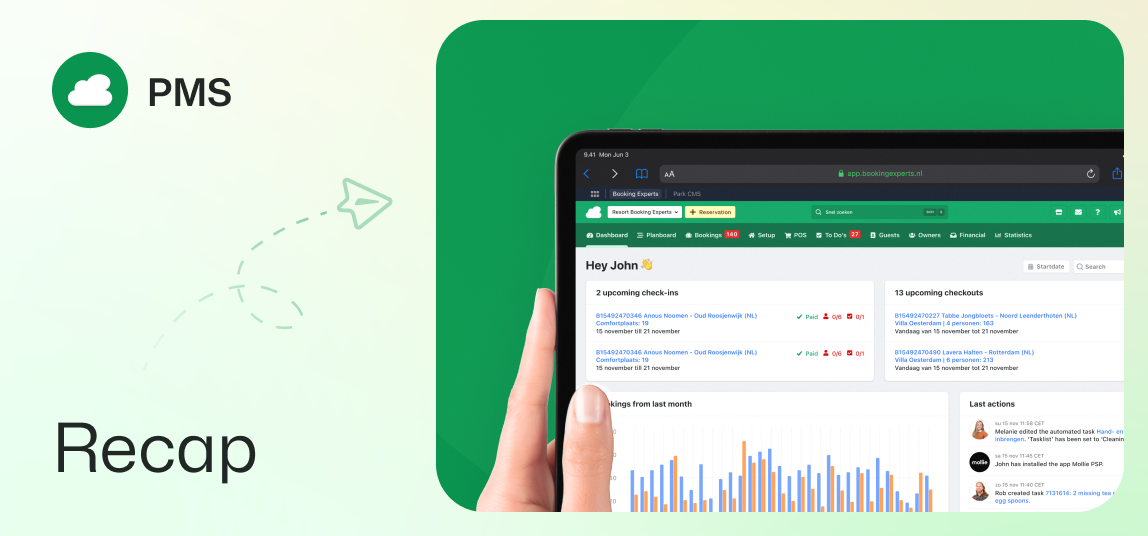
Guest portal updates, browser autofill, owner night limits, bulk invoicing, and more.
Type amenities and channel booker details in the guest portal
Guests now see the amenities of their booked type directly in their reservation overview. The guest portal also asks bookers who booked through external channels for their contact details. A contact is then created, and a secure verification link is sent that gives the booker access to the reservation.
Autofill support for checkout and guest list forms
Guests can now quickly fill in their personal details with their browser’s autofill, both while booking and in the guest portal. Browsers automatically recognise saved names, addresses and phone numbers. This makes booking and filling in the guest list faster.
Internal names for periodic costs
You can now add optional internal names to periodic costs for easier filtering and reporting. These internal names stay separate from public invoice descriptions.
Night limits for owners’ own stays
You can set a maximum number of nights that an owner can book within a specific period. This limit applies to all bookings made through the back office and the owner portal, regardless of discount or pool points.
Direct capacity validation in guest group forms
When you edit the guest group, the type’s capacity is shown and the number of guests is checked straight away. This means an empty guest group can no longer be saved when creating a reservation. Users with the right permissions can still exceed the maximum if needed.
Add documents directly to confirmation emails
You can add documents directly to the booking confirmation templates. The system automatically attaches these files to all outgoing confirmation emails.
Bulk invoicing for bookings with uninvoiced changes
Users can select multiple bookings with uninvoiced changes and create invoices for these reservations in bulk. Use the filters to quickly find the right reservations by channel, debtor and label.
Interactive amenity badges in the amenity editors
Selected amenities are now shown as interactive badges above the tabs in the amenity editors. Click a badge to open its amenity group, or click the cross to unlink the amenity.
Danish language support for the interface
Users can now switch their back office language preferences to Danish. All back office menus, settings and tables are shown in Danish.