NEW: use the map for back office reservations
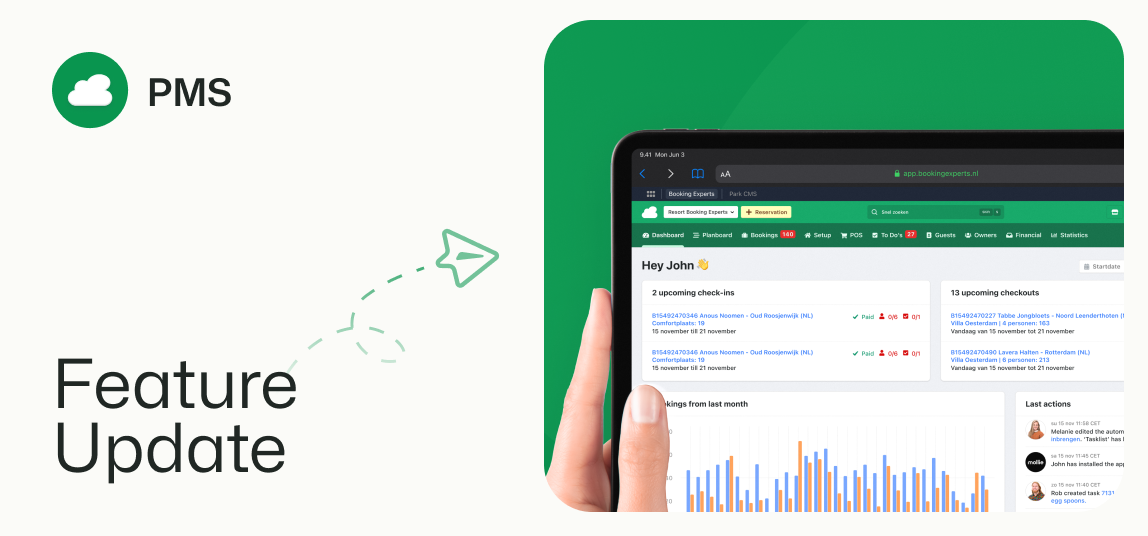
Add a new reservation through the back office, and switch to a map view to select the right available object.
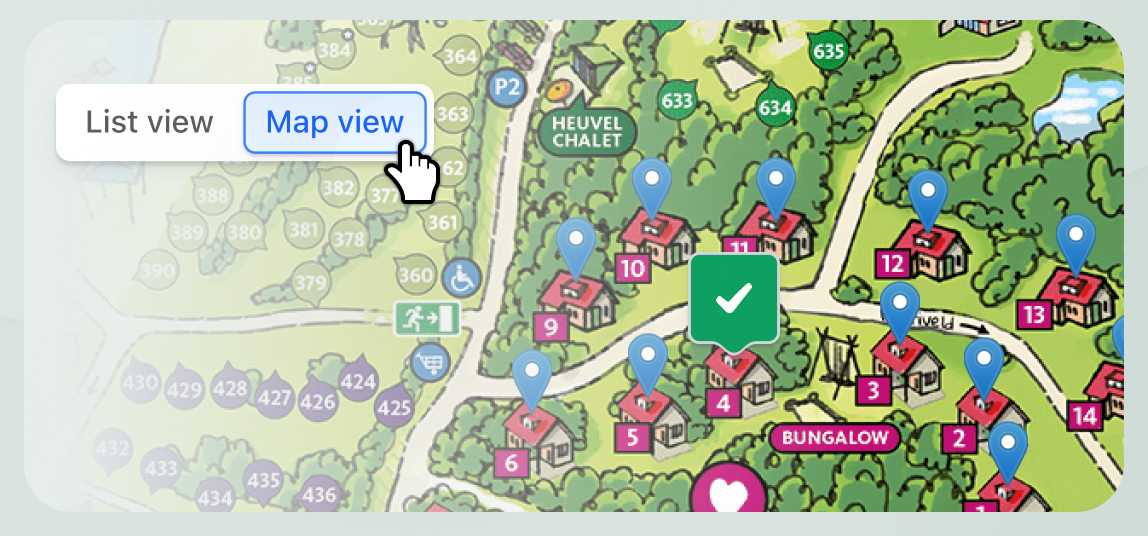
Incorporated into backoffice creation flow for single reservations
When creating a new reservation for a guest in BEX PMS, the default view for the search results is the familiar list. Using the toggle at the top of the search results, you can now switch to the map view too. Note that a map must have been configured.
The map view also only shows markers for objects that match your search filters.
Zoom in or out, and move the around the map using click and drag.
Clicking a marker will select the object, and the corresponding details are shown on the right.
From here, you can continue the reservation process as usual.
Faster process for regular guests with regular spots
If you’re often assisting regular guests to secure their usual place, the map view allows you to quickly select the object that you want, without having to use the filters to narrow down the search results first.