Easier access to Staging and Live environments
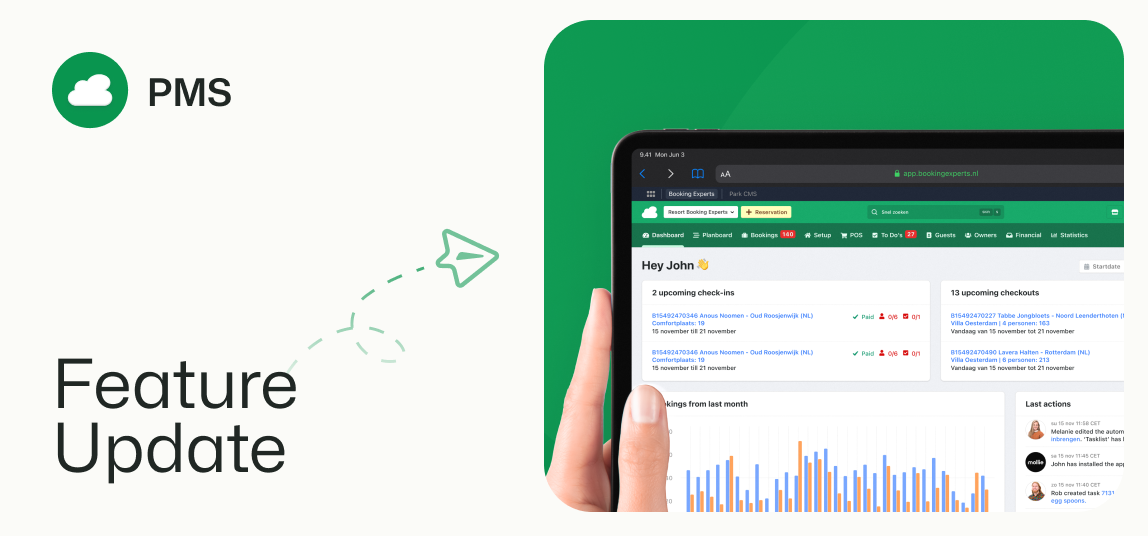
New buttons in the topmost launch bar make switching between BEX systems quicker
New Staging and Live switch
Some back-office users may already be familiar with the staging environment. This has now been made easily accessible through a button in the top right of your screen. Switching back to your live environment is just as easy.
What is staging?
Your staging environment is a copy of your live environment, where you can test the effects of certain settings or actions without actually implementing them. This is useful if you are unsure which action to take, or if you want to see different settings in action to compare them.
Be sure to switch back to Live to continue your work!
BEX PMS, BEX CMS, and Planboard now with recognizable icons
The same familiar functionality, but with a new, lighter look and fitting icons!