BEX PMS — Recap of December 2025
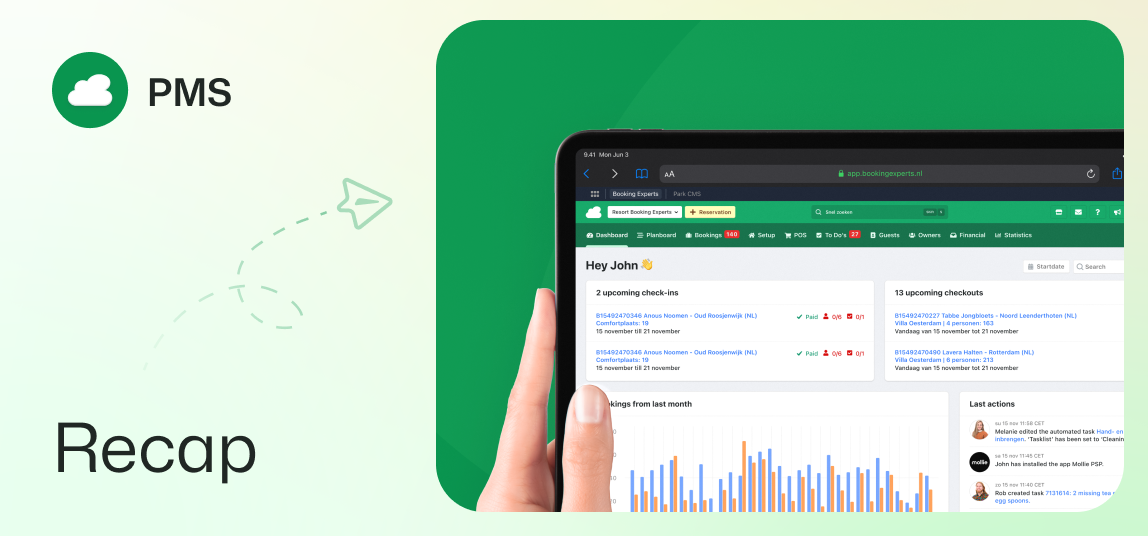
Set invoice date to check-in, multi-device MFA access, flexible guest stays, and more.
Booking invoice created upon check-in
Generating booking invoices can now be done automatically upon check-in. This, along with the right journalisation setting, ensures that turnover and VAT are recorded on the arrival date. Especially relevant for meeting accounting requirements in the UK and Belgium!
Read more: When to invoice guests: booking invoice date
Seamless multi-device access with MFA
Stay logged in on your phone and laptop simultaneously, even with Multi-Factor Authentication enabled. This improvement supports your daily workflow, though an explicit logout will still end all active sessions across devices.
Flexible guest stays in guest group
The guest group now supports partial stays, allowing you to record the exact arrival and departure dates for individual guests within a single booking. Doing this will make the booking order more accurate, and ensure compliant reporting for local authorities.
Read more: New: partial stays in guest group & guest list
Enhanced contact anonymization
Anonymizing contacts is now faster, and any associated owners and/or bookings are also anonymized accordingly. With this update you can provide more robust data privacy and ensure compliance across your records.
E-invoicing via the Peppol network
With the new BEX E-invoicing app, you can use the Peppol network directly from the PMS. Send e-invoices to corporate clients with valid VAT and registration numbers. This is especially vital for our Belgian users ahead of the 2026 mandate.
Downloading invoices in separate PDF files
When downloading multiple invoices from the invoices overview, you will now get a ZIP file containing individual PDFs. Previously, this would have been a single merged PDF document. This makes organizing and sharing invoices much easier.
Enhanced financial overview
The Financial module has been restructured with a better navigation menu. Menu items are grouped, 'Payment batches' has its own menu item, and 'Invoices to pay' has split tabs for refundable and other payable invoices.
Owners' license plate pre-filled in owner reservation
Efficiency boost for the backoffice: owner reservations now automatically copy license plate details directly from the owner page, cutting down on manual data entry.
Owner login method visible in owner page
A new icon in the owner page clearly displays the login method used by the primary owner and other associated contacts with access to the owner portal. Provide faster, more informed support to your owners by knowing exactly how they access their account.
Maximum of 1 coupon per reservation
To ensure promotional rules are followed and discount limits are enforced, we have implemented a limit of one coupon per reservation. This prevents guests from stacking multiple coupon discounts on a single booking.
New guest type filter for reservations
In your reservations overview, you can now filter based on whether the reservation includes certain guest types. These are the guest group age brackets and pets. Use it to easily find all reservations that include children, for example.
Improvements for Inbox module
Reloading the page is no longer necessary to display a sent message. Only new incoming messages will now mark conversations as 'open', indicating you need to take action. The conversation status will not change when confirmation messages or (automated) messages from Booking.com are sent.